Fred's Home Technical Services
Tech trouble? Fred's on it.
Friendly, honest, in-home computer, phone and security help across Cobram, Barooga and the surrounding area. No jargon. No pressure. Just a fix that lasts.
Computer & tech services
All your tech, sorted — by one friendly local.
From a slow laptop to a full home security setup, here's how I can help.
Computer Servicing
Full diagnostics, tune-ups and repairs to get your PC or laptop running like new again.
Virus Removal
Deep clean of malware, spyware and viruses — plus setup to keep them out for good.
Hardware Setup
New PC, printer, router or monitor? I'll set it all up and make sure everything just works.
Backup & Recovery
Protect your precious photos, documents and memories with reliable backup solutions.
Mobile & Tablet Help
Setup, transfers, email, apps and friendly advice for phones and tablets.
Security DVR & Cameras
Home and business CCTV — supply, install and configure security camera systems.
Hardware Sales
Quality computer parts and security equipment sourced at a fair local price.
Troubleshooting
Weird error? Slow internet? Printer won't print? If it's tech, I can probably fix it.
Not sure if I can help?
Give me a quick call — if I can't fix it, I'll point you to someone who can.
About Fred
Local. Honest. Been doing this since 2006.
Fred's Home Technical Services has been running full-time since 2006 — and long before that Fred was quietly fixing computers for friends and family after hours. He's lived in Cobram all his life.
He works with home users and small businesses within about an hour of Cobram / Barooga on computers, phones, tablets, security systems, DVRs and security cameras. If it has a power cable, there's a good chance Fred can help.
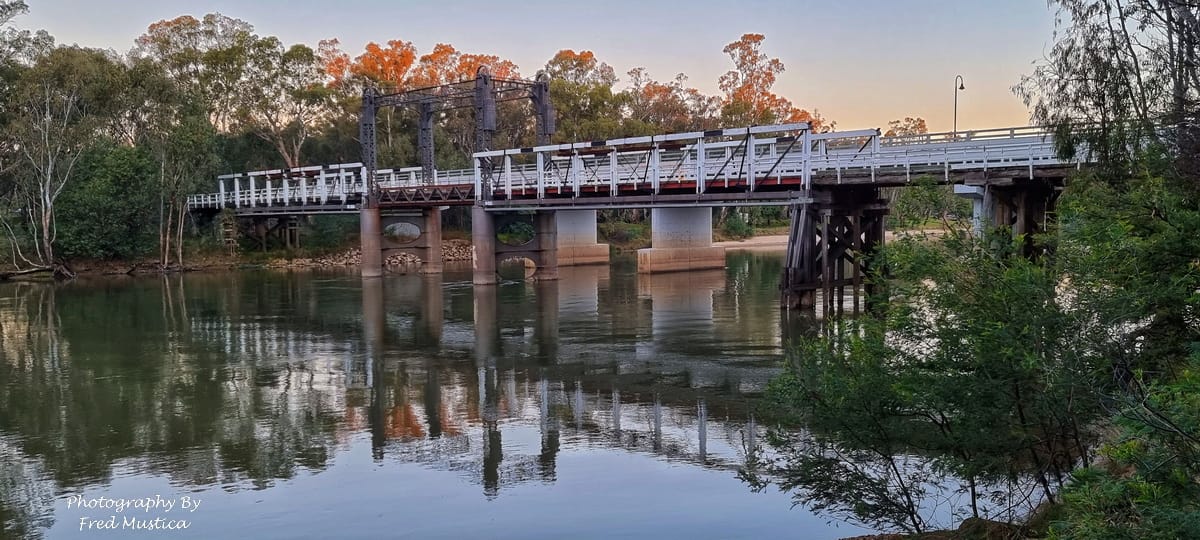
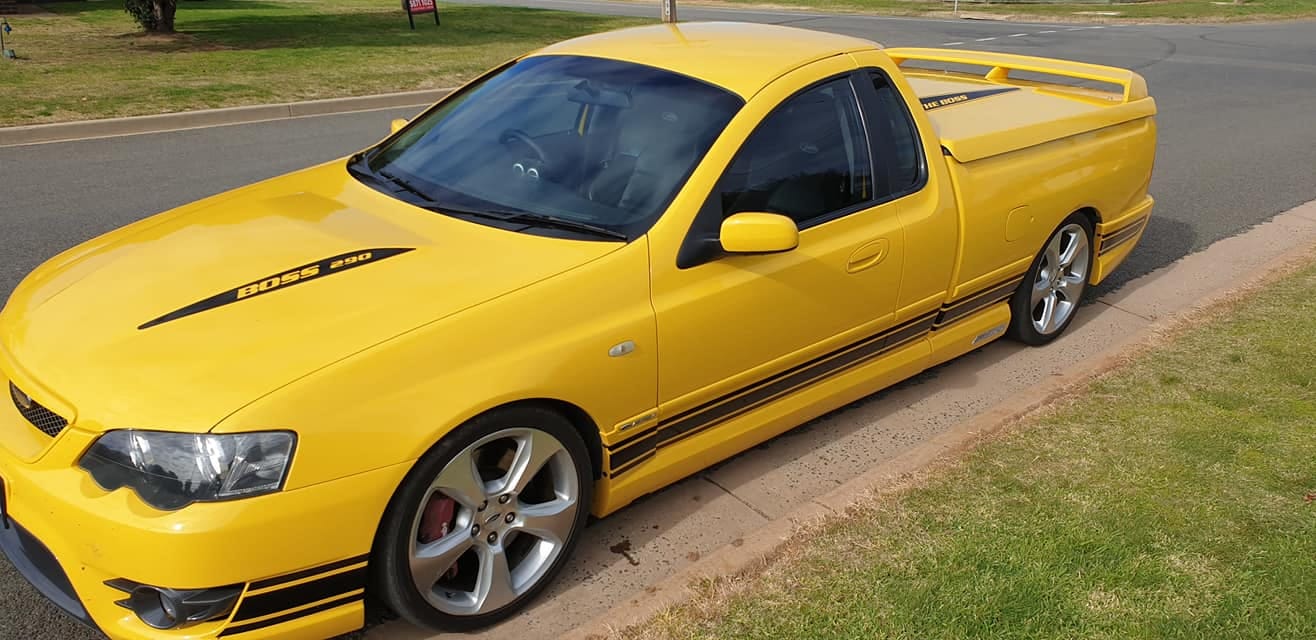
Outside of work he's a keen photographer and licensed drone pilot — and he builds FPV Jack Point Covers for Ford Performance Vehicles too.
Stay safe online
Don't get scammed. Read this first.
Scammers target locals every day. Here's what you need to know to protect yourself and your family.
Never trust unexpected 'tech support' calls
If someone rings claiming to be from Telstra, Microsoft, Windows or your bank saying your computer is infected — hang up. It’s a scam.
Never give remote access to strangers
Do not let anyone you don’t know log into your computer over the phone or internet. Ever.
Ignore pop-ups asking you to call support
Pop-ups saying “Call Microsoft Support Now” are 100% fake. Try holding ALT + F4 to close them.
Never enter card details on suspicious sites
Fake antivirus pop-ups love to ask for payment. If you’re not 100% sure — don’t pay.
Programs to avoid — do not install these
- Optimiser Pro
- Regclean
- Winoptimiser
- System Tweak
- Regcure
- Parentologic
- Uniblue
- Filecure
- Conduit
- Ask Toolbar
- Fake AV payment prompts
- Anything that sounds like the above
Got a suspicious pop-up right now? Try holding ALT + F4 a few times. If in doubt, call Fred before you click anything.
Visit Scamwatch · AustraliaAlso from Fred
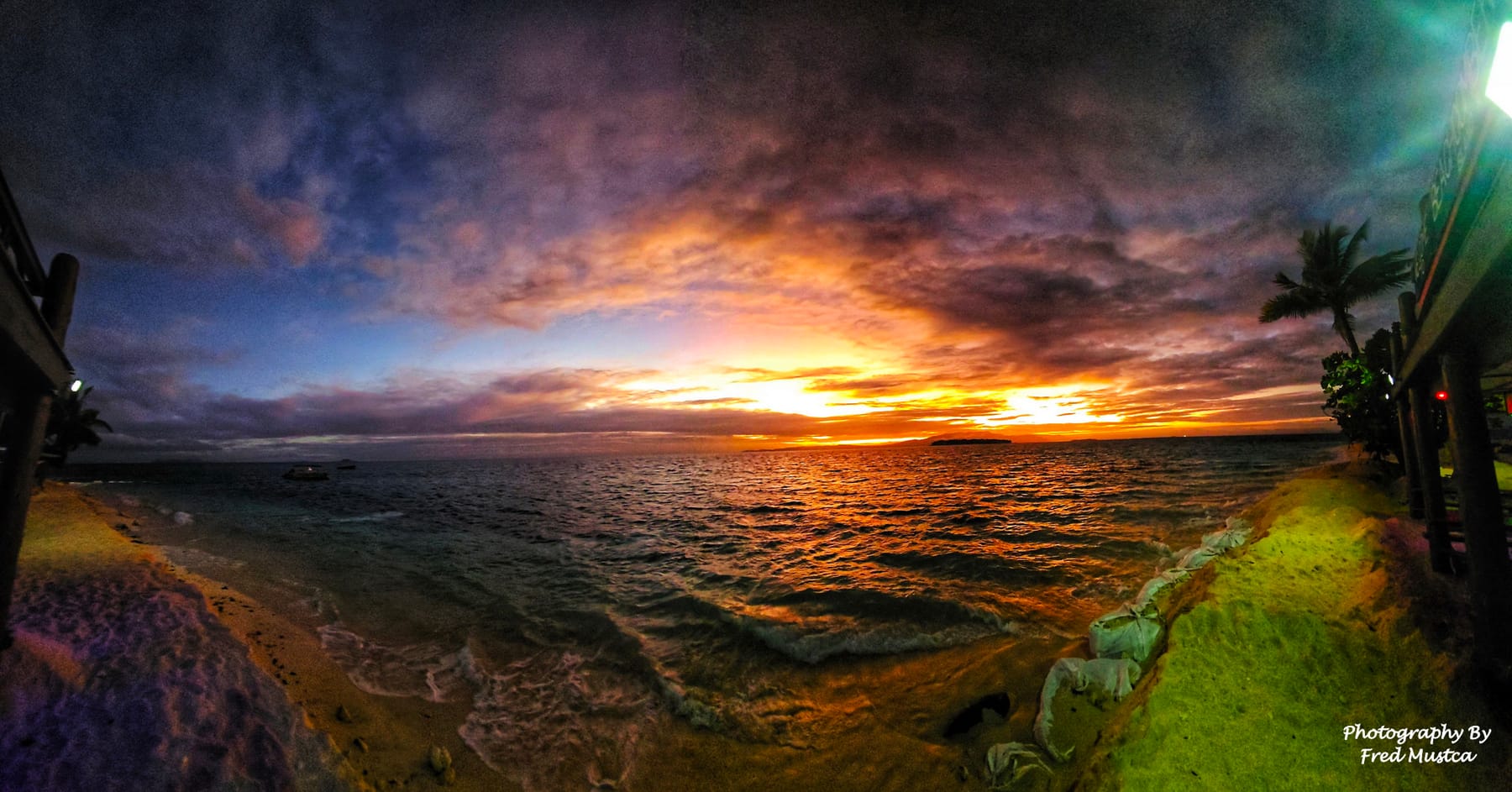
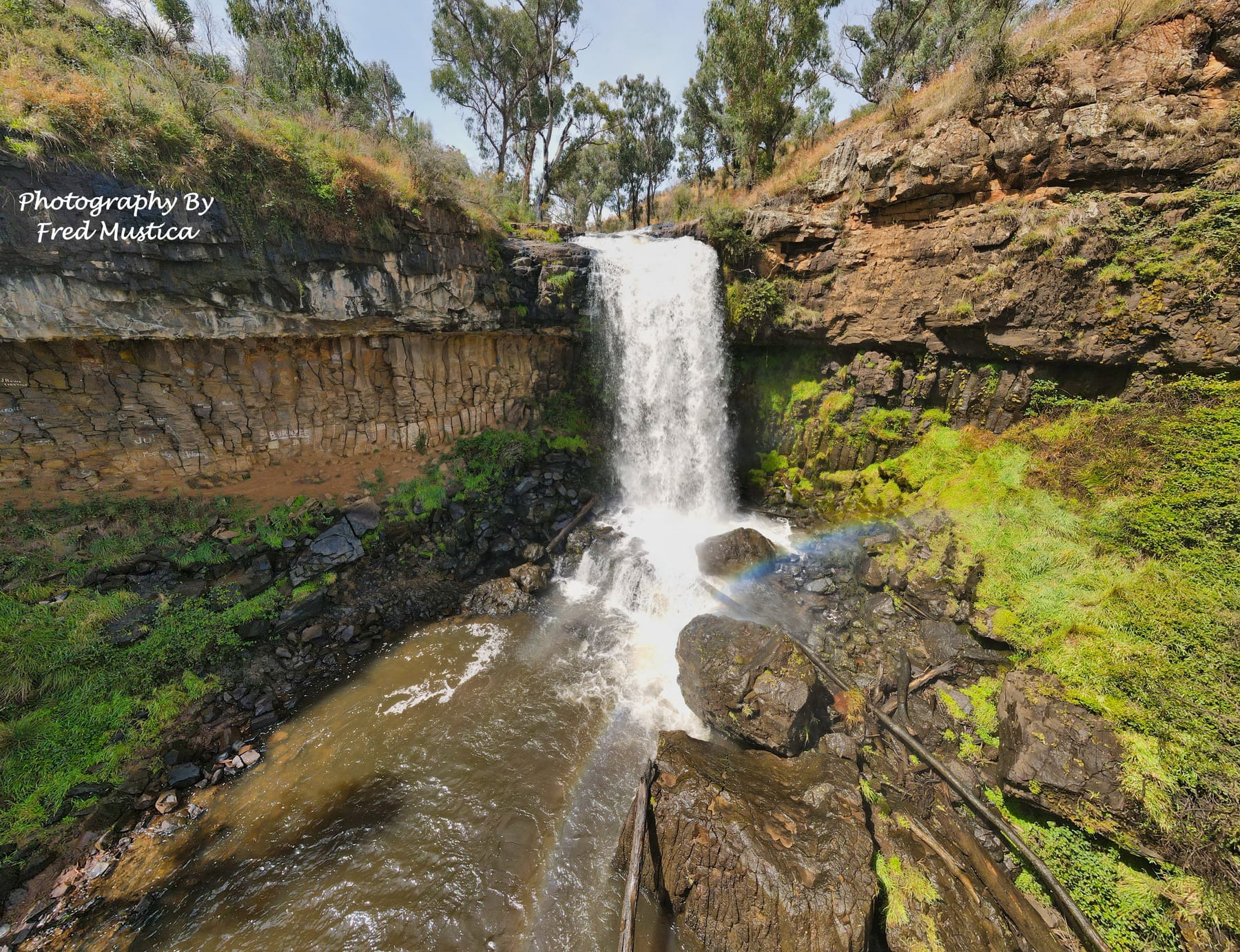
Off the bench: photos, drones and FPV parts.
When he's not fixing computers, Fred is out with a camera, up with a drone, or building parts in the shed.
Get in touch
Ready when you are.
Call the mobile, drop an email, or leave a quick message. Fred replies personally — usually the same day.
- Mobile — call or leave a message0418 308 977
- Emailmustica@gmail.com
- Service areaWithin 1 hour of Cobram & Barooga5 Churr St, Cobram VIC 3644
- Hours
Opening hours Monday 9:00 am – 4:00 pm Tuesday 9:00 am – 4:00 pm Wednesday 9:00 am – 4:00 pm Thursday 9:00 am – 3:00 pm Friday 9:00 am – 3:00 pm Saturday Closed Sunday Closed
Please call the mobile only — the landline is unplugged. Leave a message if I'm busy and I'll get right back to you.
Send Fred a quick message
He'll get back to you as soon as he's off the bench.